
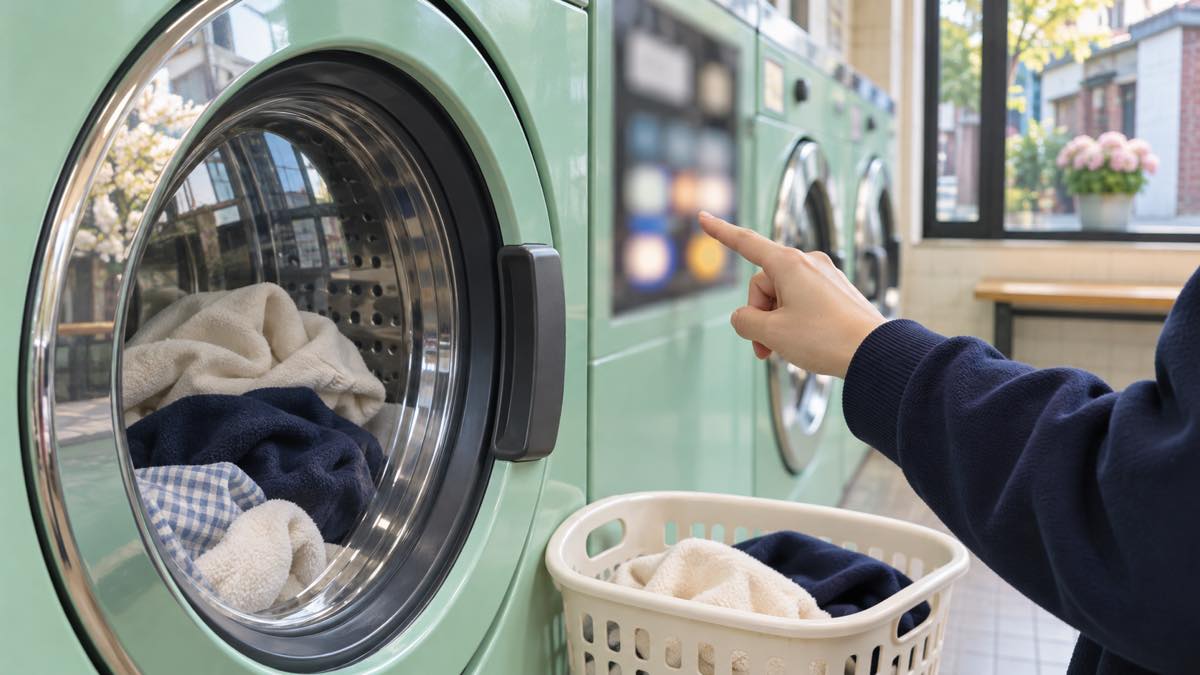
At the laundromat? Show one of these phrases
Show the Korean line to a staff member, or copy it into a message to the shop.
Card payment
카드로 결제할 수 있어요?
Can I pay by card?
Detergent
세제가 자동으로 들어가요?
Does the machine add detergent automatically?
Paid, but the machine hasn’t started
결제는 됐는데 기계가 시작되지 않아요.
The payment went through, but the machine hasn’t started.
Korean laundromat phrases make more sense when you read them in the order you need them. Find 세탁기 (washer) or 건조기 (dryer), match the machine number to the payment screen, and check 세제 자동 투입 before reaching for detergent. If you only remember one thing, match the number on the machine to the number on the screen before you pay.
This guide is for a 셀프빨래방, a self-service laundromat. The Korean examples below are practice labels and messages you can show someone. The buttons, payment options, and wash programs on your actual machine may differ.
| Look for | Meaning and next action |
|---|---|
| 세탁기 / 건조기 | Washer / dryer. Match the type and number on the payment screen. |
| 사용 가능 / 사용 중 | Available / in use. Look for an empty available machine. |
| 코스 선택 | Select a program. Read the full program name. |
| 세제 자동 투입 | Automatic detergent dispensing. Follow the instructions on your machine. |
| 결제하기 | Pay. Confirm the machine and program first. |
| 남은 시간 / 완료 | Time remaining / complete. Check whether the machine is still running. |
| 고객센터 / 문의 | Customer support / contact. Provide the branch and machine number. |
On this page
1. 세탁기 / 건조기 — Find the right machine
세탁기 means washing machine and 건조기 means dryer. Their doors can look similar, so use the label to identify them. On a storefront, 셀프빨래방 (self-service laundromat) and 코인빨래방 (coin laundry) are useful map search terms. If you want someone to take your clothes and clean them for you, 세탁소 is a better search term for a laundry or dry cleaner.
Once you know which kind of machine you are looking at, find its number. 세탁기 3번 means “washer No. 3.” 건조기 3번 means “dryer No. 3.” If washer and dryer numbering are separate, remembering only “three” is easy to get wrong. Read the machine type and the number as one unit.
Ask: 세탁기는 어디에 있어요? — Where are the washing machines?
2. 사용 가능 / 사용 중 — Is this machine free?
사용 가능 means available for use. 사용 중 means in use. If you see 사용 금지, the machine is marked “do not use.” 고장 indicates a fault or breakdown. These words let you rule out the wrong machine before choosing a course or carrying your basket across the shop.
사용 중 can appear with a time. For example, 남은 시간 12분 is “12 minutes remaining.” A machine that shows 완료 (complete) can still contain another customer’s laundry. Choose an empty available machine, or check the posted store procedure while you wait.
Ask: 이 세탁기 지금 써도 돼요? — Can I use this washing machine now?
3. 코스 선택 — Choose a wash program
코스 선택 is the instruction “select a program.” 표준 means standard and 쾌속 means quick. These labels tell you the type of program. Use the machine’s posted description and your garments’ care labels to check the cycle and temperature. 헹굼 is rinse and 탈수 is spin. A program marked 헹굼+탈수 is rinse plus spin, while 건조 refers to drying.
A word you already recognize can still lead you to the wrong choice if you stop reading too early. 표준 세탁 names a wash cycle. 표준 건조 names a drying cycle. Reading the second word gets you farther than memorizing 표준 by itself.
Ask: 표준 코스는 얼마나 걸려요? — How long does the standard cycle take?
4. 세제 자동 투입 — Does the machine add detergent?
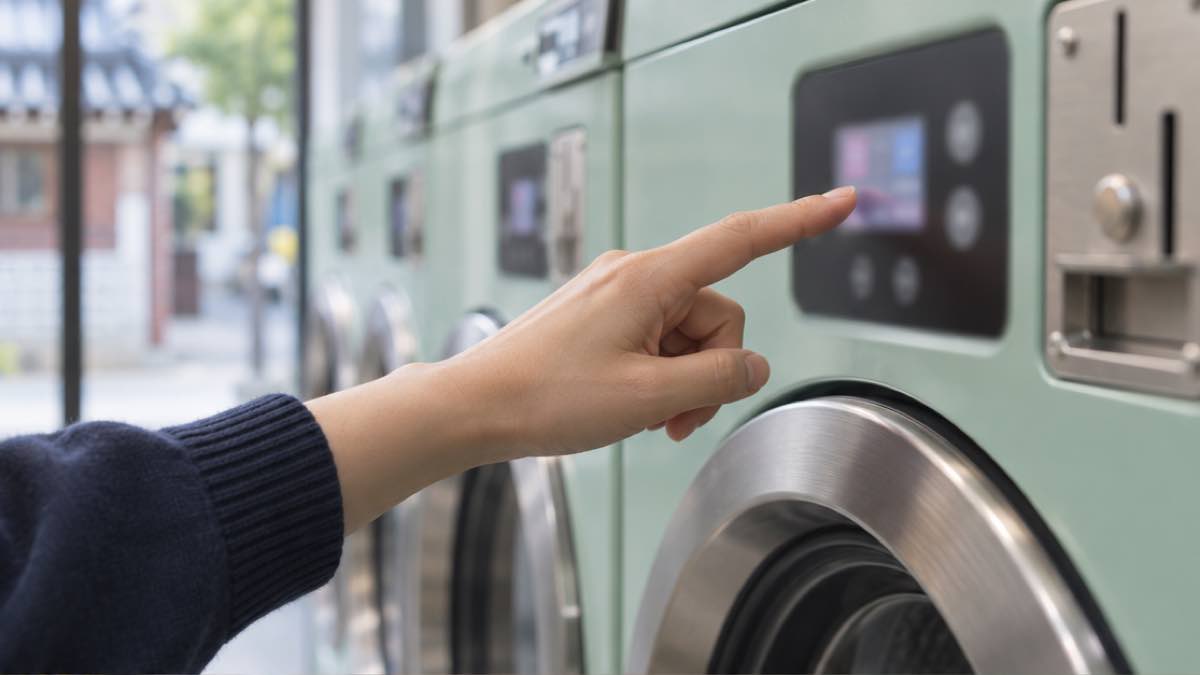
세제 means detergent. You may also see 섬유유연제 (fabric softener). When the washer says 세제 자동 투입, the machine dispenses detergent automatically. Follow the posted instructions before adding anything yourself. If you see only 세제 투입구, that is the detergent inlet. It names a physical part and gives no instruction about whether you need to add detergent for this cycle.
The National Institute of Korean Language’s Korean Basic Dictionary entry for 세제 confirms the vocabulary. As a real store example, WashQ’s user guidance describes automatic detergent and softener dispensing in its washers. Read the sign on your machine for the procedure at the shop you use.
Washenjoy’s published guide also describes automatic detergent and softener dispensing and lists program labels including 표준세탁 (standard wash), 쾌속세탁 (quick wash), and 추가헹굼 (extra rinse). Program names describe the options on that operator’s equipment. Start with the label and directions at the washer you are actually using.
Ask: 세제가 자동으로 들어가요? — Does the machine add the detergent automatically?
When the screen uses different words
A shop can put the controls on the front of the washer or on a separate kiosk. On a shared screen, look for 기기 선택 (select machine) or 장비 선택 (select equipment) before looking for a program. A machine with an on-device panel may use a physical dial or button. Read the sign in front of you for the actual sequence.
If a screen says only 3번, look back at the machine category or the picture next to the number. If the selected machine is still ambiguous, ask 3번 세탁기는 이 기계예요? (“Is this washer No. 3?”). You can show the question and point to the machine. Verify the washer and program before entering the payment step.
5. 결제하기 — Pay for the machine you actually loaded
결제하기 means “pay.” Before tapping it, read the label next to the number. A practice screen might show 세탁기 3번 · 표준 · 결제하기: washer No. 3, standard program, pay. Check both the number and the selected program against the machine in front of you.
카드 결제 means card payment, 현금 means cash, and 동전 means coins. Start with the methods shown on the screen or posted at the machine. The word 코인 in the shop name is useful when searching for a laundromat. The store’s payment panel tells you what you can use there.
A 결제 완료 message means the payment step is complete. Look for the machine’s next instruction, which may include 시작 (start). If you see a payment confirmation and the machine does not run, note the number and ask the shop before repeating the payment. Korean checkout phrases cover related words for cards and receipts.
Ask: 카드로 결제할 수 있어요? — Can I pay by card?
Practice screens: the same number, two different machines
These are reconstructed examples. Imagine that your clothes are in washing machine No. 3 and you want the standard program. Which screen matches?
Screen A · Washer
세탁기 3번
표준
결제하기
Washer No. 3 · Standard wash · Pay
Screen B · Dryer
건조기 3번
저온
10분 추가
Dryer No. 3 · Low heat · Add 10 minutes
Check the answer
Choose Screen A. 세탁기 identifies the washer and 3번 gives its number. 표준 is standard and 결제하기 takes you to payment. Screen B also says 3번, but it refers to the dryer. 10분 추가 means add time, while 남은 시간 10분 means ten minutes remaining.
Three payment situations and what to do
| What you see | What to check or say |
|---|---|
| Before paying | Match the machine type and number against the label on the door. If the kiosk shows the dryer and your load is in the washer, return to machine selection and recheck the course. 이거 3번 세탁기 결제 맞아요? Is this payment for washer No. 3? |
| Payment confirmed, machine idle | Read the next instruction on the screen or the machine. Look for 시작 (start). If it still will not run, note the machine number and contact support before paying again. 결제는 됐는데 기계가 시작되지 않아요. The payment went through, but the machine hasn’t started. |
| Payment went through, machine unclear | Keep the confirmation screen or receipt. Tell the operator the machine you loaded, and ask which machine received the payment. Include the transaction time if the operator asks. 이 결제가 어느 기계에 적용됐는지 확인해 주실 수 있나요? Could you check which machine this payment was applied to? |
6. 남은 시간 / 완료 — Read the display before moving your laundry
남은 시간 means time remaining. 완료 means complete, so 세탁 완료 is “wash complete” and 건조 완료 is “drying complete.” Follow the machine’s instructions for opening the door and collecting your clothes. If the dryer asks for a heat setting, 저온 is low heat, 중온 is medium, and 고온 is high. Check what your care labels allow before using a dryer.
A timer on a pay screen can describe the time you are buying. A timer on a running machine can show how much time is left. Use the words around the number to figure out which one you are looking at. In 10분 추가, for example, 추가 means add or extra, so the expression means “add 10 minutes.” In 남은 시간 10분 it means ten minutes remaining.
Ask: 건조 시간은 어떻게 추가해요? — How do I add drying time?
7. 고객센터 / 문의 — Report a problem in one message
고객센터 is customer support and 문의 means inquiry or contact. Read the posted contact instructions for the specific store. In your first message, include the branch or address if available, the machine type and number, and what you can see on the display. The payment time may help staff distinguish your transaction if they ask for it.
Message template: 안녕하세요. [지점명]점 세탁기 [번호]번입니다. [결제 시각]에 결제했는데 기계가 시작되지 않아요. 확인해 주실 수 있나요? — Hello. This is washer [number] at [branch]. I paid at [time], but the machine hasn’t started. Could you check it?
Replace the bracketed fields with the branch, machine number, and approximate payment time. If the machine is a dryer, use 건조기. When the branch name is hard to type, give the street address shown on the notice or state that you are at the shop now. The shop can tell you which details it needs to locate the transaction.
If the screen shows an error rather than a confirmed payment, use 화면에 오류가 떠요 (“There’s an error on the screen”). If the door will not open, use 문이 안 열려요 (“The door won’t open”). Keep the fault report tied to what you can see. When you include a photo of the display or a receipt, leave payment-card details out of the message.
Practice: one load from start to finish
Imagine you have two signs in front of you. 세탁기 2번 · 사용 중 · 남은 시간 9분 says washer No. 2 is in use with nine minutes left. 세탁기 3번 · 사용 가능 says washer No. 3 is available. You are holding a bag of laundry that needs washing. Which number and machine type should you look for at the kiosk?
Answer: Choose 세탁기 3번, the available washer, and check the program before paying. 건조기 3번 would refer to the dryer if the store gives its machines separate numbers.
Now the washer displays 세제 자동 투입. Should you look for instructions to add your own detergent? The sign says detergent will be dispensed automatically. Follow the posted instructions for the cycle rather than adding detergent by default.
After the wash, you see 건조기 2번 · 저온 · 10분 추가. Read it in chunks: dryer No. 2, low heat, add ten minutes. 추가 marks an action to add time. It does not tell you how much time is left. These are practice screens, not instructions copied from a particular machine.
Read the machine name, then the status
Start with the machine type when the screen has several choices. Say 세탁기 (setakgi) for the washer, 건조기 (geonjogi) for the dryer, and 세제 (seje) for detergent. These spellings help you locate the Korean words; the labels themselves are the most reliable way to match a machine to the screen. You can point to the word or show the whole Korean question if you are still getting used to saying it aloud.
The same reading pattern works outside the laundry. A noun tells you what the label is about, then a short word tells you what to do or what is happening. In 카드 결제, 카드 is card and 결제 is payment. In 결제 완료, 결제 names the completed step. The second label confirms a payment status. Look for 세탁 완료 or 건조 완료 to identify the status of the load itself.
Read a dryer timer
You paid for drying and see 남은 시간 10분. The display says ten minutes remain. If the machine later offers 10분 추가, that is a choice to add time. Check the time shown as remaining after the change goes through. If a charge has gone through but the timer is unchanged, record the machine and contact the shop before paying again.
Quick phrase card
Save these Korean laundromat phrases for the next time you want to show someone a question:
- 이 기계 지금 써도 돼요? — Can I use this machine now?
- 세제가 자동으로 들어가요? — Does the machine add detergent automatically?
- 카드로 결제할 수 있어요? — Can I pay by card?
- 몇 분 남았어요? — How many minutes are left?
- 결제는 됐는데 기계가 시작되지 않아요. — The payment went through, but the machine hasn’t started.
When you need help, point to the number on the machine as you ask. If you want to practice navigating another Korean touchscreen, this guide to Korean café kiosk phrases explains how to spot choices and review a selection before payment.
Frequently asked questions
What should I type into a map app?
Try 셀프빨래방 for a self-service laundromat or 코인빨래방 for a coin laundry. 세탁소 is useful if you are looking for a laundry or dry-cleaning service where you can drop items off.
What does 세탁물 회수 mean?
It is an instruction or reminder to collect the laundry. If you see it in the posted rules, check when and where you should retrieve your items. WashQ, for example, asks users to collect theirs promptly when washing or drying finishes.
Should I add detergent when I see 세제?
Look at the words around it. 세제 자동 투입 tells you that the machine adds detergent. 세제 투입구 labels the place where detergent goes. If the sign is unclear, ask 세제를 직접 넣어야 해요? (“Do I need to add the detergent myself?”).
Sources checked November 23, 2026. The Korean labels and dialogues were adapted for practice. This guide compares published operator instructions and dictionary entries. The practice screens and dialogues are editorial reconstructions. The photographs are AI-generated illustrations.